


Tablets
More


top

My Kindle lockscreen was super bland until I found this secret setting
Letting my Kindle cosplay as my current read was oddly satisfying.
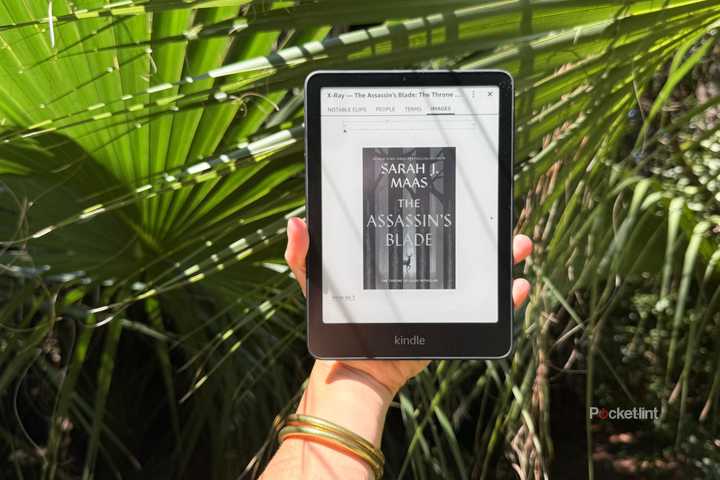
X-Ray is your Kindle's best-kept secret
X-Ray made me feel smart enough to teach a literature class.

I turned my E Ink tablet into a second screen and it worked surprisingly well
One writer's bold experiment with a dual-screen setup.

Did a book suddenly disappear from your Kindle? How to fix it fast
If you suddenly can't access a book on Kindle, fear not. The fix is super easy.

I use this trick to send any article to my Kindle in seconds
You can easily send web articles to read on your Kindle with the Send to Kindle app.

I found a great way to easily clean my Kindle
Keep your Kindle looking brand new by cleaning it this way.

This app is my secret weapon for supercharging my e-reader
There's an all-in-one app that can manage your eBook collection and convert into other formats so you can switch e-readers.

This lesser-known Kobo feature helped me stop doomscrolling
When you need a break from staring at the "bad screen" to get some reading done, Pocket is great on the Kobo.

Read anything at all on your Kindle with this free tool
From fanfiction to public domain ePub files, Send to Kindle makes it possible to read anything on your device.


How to install the Google Play Store on an Amazon Fire tablet
Amazon uses their own app store, but Fire tablets are Android at their core, and can just as easily work with the Play Store.

I found the easiest way to download Kindle books before Amazon's ban kicks in
Amazon is removing the option to download your Kindle books onto your computer soon. Here's how to quickly backup your Kindle book library.

I thought my Kindle Fire was toast -- turns out, it just needed a career change
Repurpose your old Amazon tablet and use it everyday.

How I jailbreak my Kindle to access thousands of books
With a little work you can set your own custom screensavers and even add new reading apps.
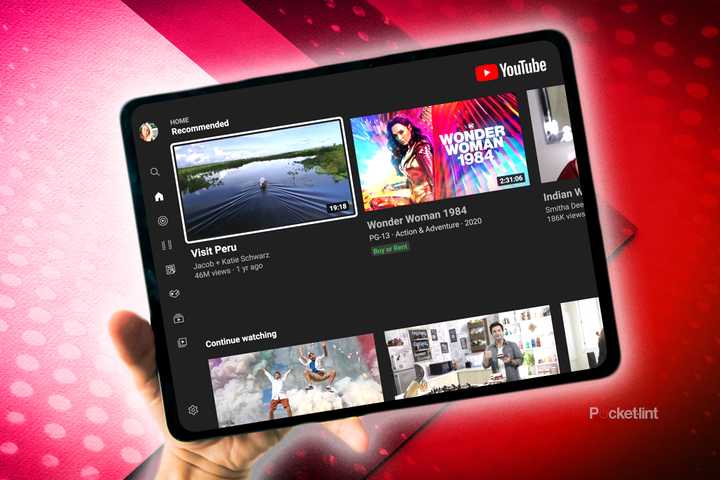
Your iPad has a secret YouTube trick
You're using YouTube all wrong if you don't know this iPad trick.

How to download a book onto your Kindle
Find the book you want and download it to your Kindle so you can read on the go.

How I download Instagram photos on iOS and Android
Look great in someone else's pictures? This is how you save them.

How I turned my iPad into a baby-safe zone (and kept my sanity)
There's an iPad feature that'll keep kids' friendly content locked on screen.

How I moved from an iPad to a ReMarkable Paper Pro
Streamline and strip down your tablet experience by taking your iPad files, books, and notes to a reMarkable Paper Pro.

How to cancel Kindle Unlimited as fast as possible
Not reading as much as you thought? No need to keep paying for an unread library.