

Summary
- If you can, watch in the highest resolution—4K gives real detail; 8K is still rare.
- Use free apps and TV OS channels to find no-cost 4K movies, live sports, and nature footage.
- Add an HD antenna to pull many free local channels; range and 4K availability depend on your area.
Why wouldn't you want to watch something in as clear of a resolution as possible? It makes the most sense to be able to pick out as many details as you can. If you look back at some of the technology from the past, it pales in comparison to what we have now. Ever seen what games on the original PlayStation look like compared to what they look like on PlayStation 5?
If you're investing time in watching something, and you can watch it in a better resolution, you might as well. The only time you have is now, so make the most of it. That being said, a lot of 4K content is expensive. Many streaming services offer 4K content plans for a higher price than their base plans, which are usually in 1080p. But there are ways to get 4K content without paying extra for it. Here's how.Free streaming apps are clutch
4K content on free streaming apps is more common than you think
Don't be afraid to look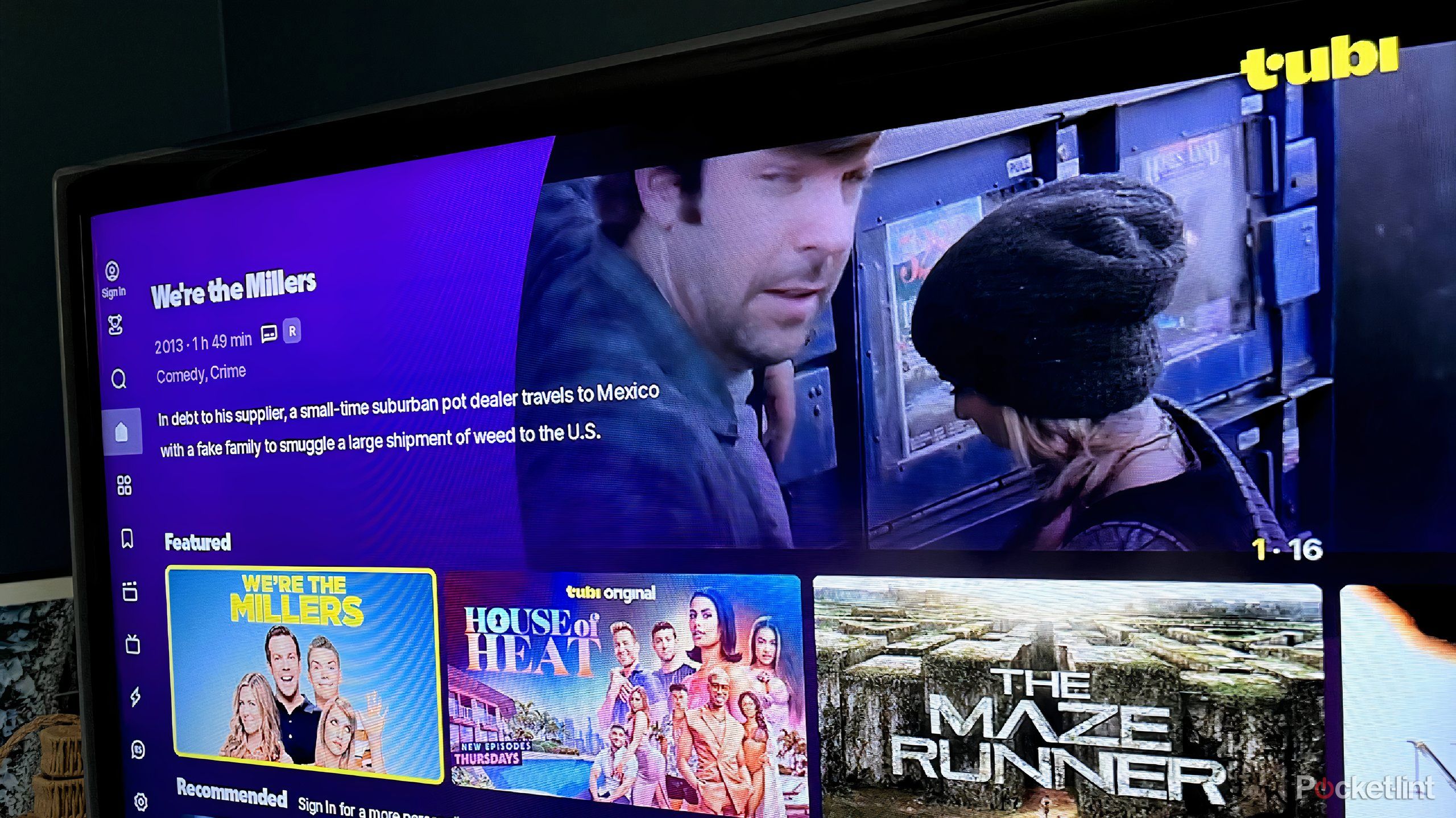
It doesn't matter whether you're using a smart TV or a streaming device. You'll have access to the same apps across many different operating systems. Ones you can look to for free 4K content are platforms like Tubi and Pluto TV. Tubi is an interesting case because it has the capability of offering 4K movies and TV series, but it chooses not to. That being said, it aired Super Bowl LIX in 4K for free last year.
Pluto TV offers more in the case of 4K content. While it doesn't have dedicated 4K channels that you can go to through its guide that only show 4K content, there is 4K content available on demand, giving you the option to log in and watch it whenever you wish. You can also go searching on YouTube for 4K content that you can find with ease. There's plenty of it available for free, uploaded by either the broadcasting companies, streamers, or random users.
If you are going to use YouTube, you can search "4K content" to come up with initial searches, which include hours of gorgeous nature footage and meditation apps with crisp visuals.

I wish I knew how terrible Fubo TV looked on a 4K TV before subscribing
Fubo TV has one major thing holding it back.
Free operating system channels offer a lot
This is where your choice of TV comes into play

You probably weren't thinking about which free channels your TV had before you bought it. You were likely focused on other features, such as the resolution, how it handles glare, the size, and the operating system itself. But depending on the OS, you are going to have different free apps already installed when you turn the TV on. All you need is an Internet connection to get access to a ton of free channels.
If you have a Samsung TV, you have Samsung TV Plus, which is a massive library of channels. It has over 3,500 channels for you to choose from, with plenty of 4K content to enjoy. You can even find which ones are in 4K because Samsung TV labels them for you with a 4K tag. Google TVs also have a collection of free channels that you can choose from. The Google TV Freeplay option works with a Google TV Streamer or a Google TV. This is over 170 free channels, many of which are in 4K.
LG's webOS has a ton of built-in apps as well, giving you access to over 4,000 free channels. There are a number of them that are in 4K. The Roku Channel is a final excellent option for anyone with a Roku streaming device or TV. You can get over 500 live TV channels, all of them for free within The Roku Channel. Plus, there's a ton of on-demand content for you to choose from. Not all 500 of the channels offer 4K, but many do, so you can enjoy them live on-demand. You can gain access to The Roku Channel through any OS because it can be downloaded through many app stores that you'll find.Free content can be yours with an HD antenna
Invest in an HD antenna for local 4K options
You're subject to what is available in your area

A great way to add channels to your TV is by getting an HD antenna. This is a terrific option if you want to cut the cord on cable and stop paying for it. It's arguably the most free option of all of these because you don't even need to have a smart TV to get this option. You also don't need to have a streaming device to add to your dumb TV in order for it to work.
An HD antenna plugs into the back of your TV with a coaxial cable, similar to how a cable box would and picks up signals from your local broadcast tower. Depending on how close you are to one, you can pick up more channels. The biggest trick is finding where in your home you have to set up your antenna in order to have the best receiving of a signal. It takes some time to figure this out, but once you do, you should be able to get more channels onto your TV. Not all of them will be in 4K, but many of the broadcast channels, like ABC, NBC, CBS, and FOX will likely be broadcast in 4K, especially if you live in an urban area.